Last Updated: November 6, 2026
Quick Summary
Reliable technical support for printing equipment is worth calling when a fault survives your own checks, costs material, or threatens a deadline. Judge a provider on documented response times, parts availability, technician training, and remote support before you commit.
- Before calling, confirm the media profile, run a nozzle check, clean the capping station, and verify ink levels and expiry.
- A service agreement should state response times, preventive maintenance, parts coverage, and after-hours emergency support.
- Get exclusions in writing, since consumables, print heads, and accidental damage are the usual gaps.
- Keep a written maintenance log, because its patterns reveal more than any single fault.
- Ask who accesses your files, since security matters when job files carry client artwork.
Table of Contents
- Reliable Technical Support for Printing Equipment: When to Call for Help
- Wide-Format Printer Troubleshooting You Can Do First
- What a Printer Service Agreement Should Cover
- The Preventive Maintenance Checklist That Prevents Most Calls
- Wide-Format Printer Service and Repair: What to Expect
- Reliable Technical Support for Printing Equipment: How to Judge a Provider
- Reliable Technical Support for Printing Equipment: When to Call for Help
- Frequently Asked Questions
Reliable Technical Support for Printing Equipment: When to Call for Help
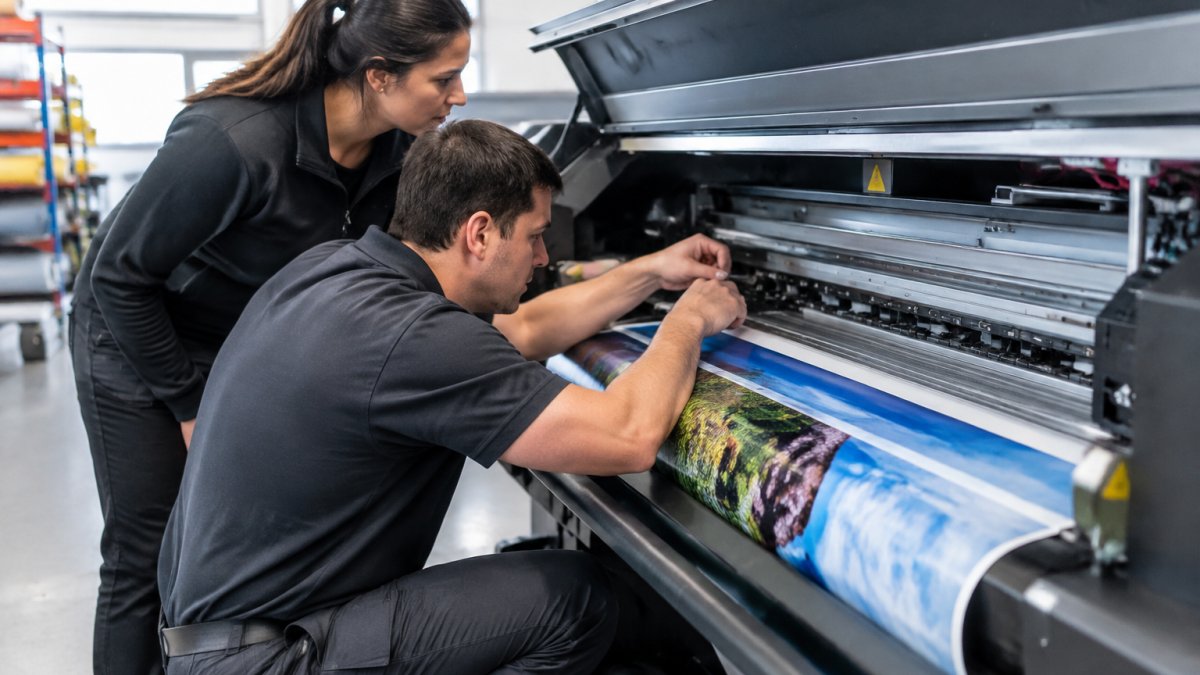
Reliable technical support for printing equipment separates a busy shop from a stalled one. Pony Graphics brings over 25 years of technical expertise to this area.
Wide-Format Printer Troubleshooting You Can Do First
Before calling, confirm the media profile matches the roll, run a nozzle check, clean the capping station, and verify ink levels and expiry. If the fault survives, stop, more fiddling costs material. Our Tech Corner has practical how-tos.
What a Printer Service Agreement Should Cover
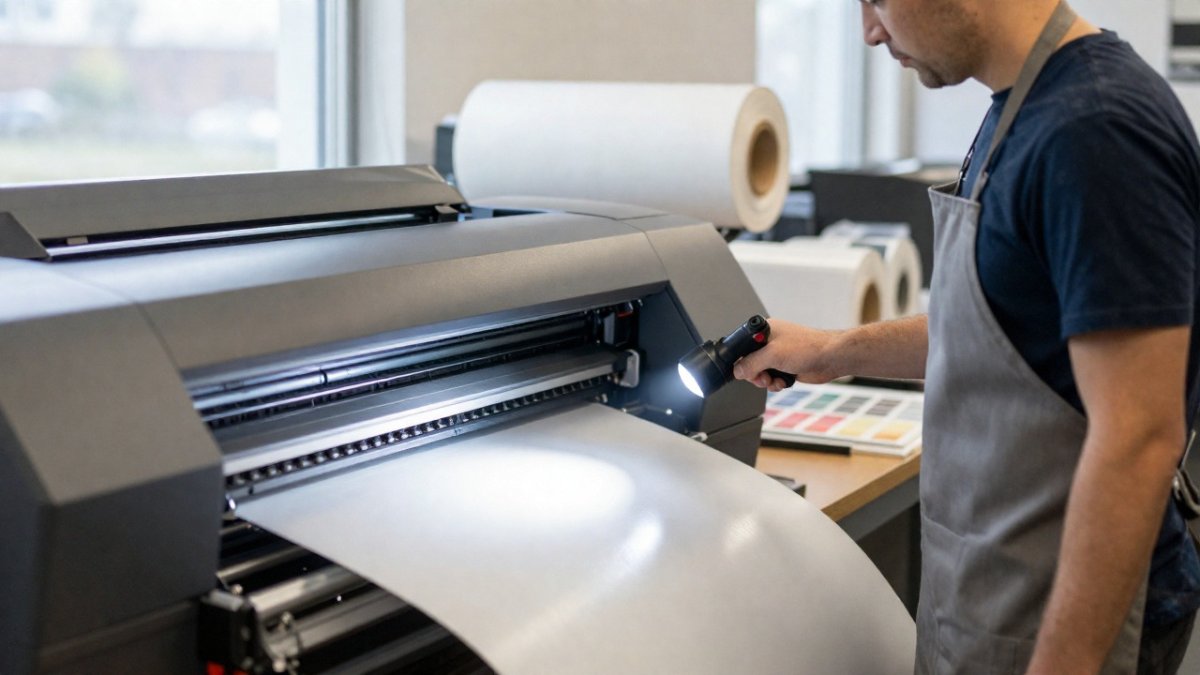
A printer service agreement should state response times, list preventive maintenance, define parts coverage, and set out after-hours emergency support. Get exclusions in writing, consumables, print heads, and accidental damage are the usual gaps. Our blog covers related service and support topics.
The Preventive Maintenance Checklist That Prevents Most Calls
Most emergency calls start as a skipped task. A preventive maintenance checklist should include daily nozzle checks, weekly capping station cleaning, monthly feed and roller inspection, and scheduled calibration. Keep a written log, its patterns reveal more than any single fault.
Wide-Format Printer Service and Repair: What to Expect
Wide-format printer service and repair should follow a clear sequence: diagnose, quote, approve, repair, verify. Ask for a plain-language diagnosis and quote before work starts, then insist on a test print of your own file and log the outcome.
Wide-format printer service and repair should follow a clear sequence from first call to final check.
|
Step |
What to do |
|---|---|
|
Diagnose |
Get a plain-language diagnosis |
|
Quote |
Ask for a quote before work starts |
|
Approve |
Approve the quote before repair begins |
|
Repair |
Service is carried out |
|
Verify |
Insist on a test print of your own file |
|
Log |
Record the outcome |
Reliable Technical Support for Printing Equipment: How to Judge a Provider
Judge a provider on documented response times, parts availability, technician training, and remote support. Ask who accesses your files, security matters when job files carry client artwork.
Reliable Technical Support for Printing Equipment: When to Call for Help
When a fault survives your checks, costs material, or threatens a deadline, call. That is when reliable technical support for printing equipment earns its budget place.
If downtime is eating your margins, Pony Graphics can help, with 25+ years of technical expertise and maintenance built around uptime. See the service experience behind our support team, then get started with Pony Graphics.
Frequently Asked Questions
What should reliable technical support for printing equipment include?
Look for diagnostics over the phone, on-site repair, preventive maintenance visits, and clear parts availability. A strong provider also offers remote support for software and calibration issues, plus documented response times. Ask whether technicians are trained on your specific printer model and whether replacement parts are stocked locally, so a service call does not stall waiting on a shipment.
How often should wide-format printers be serviced?
Most wide-format printers benefit from a preventive maintenance visit every three to six months, depending on daily print volume and materials used. High-production shops running vinyl or banner media daily may need quarterly checks. Between visits, follow a printer preventive maintenance checklist covering print head cleaning, cap station inspection, and waste ink management to catch small issues before they cause a mid-job failure.
What is the difference between printer repair and preventive maintenance?
Printer repair fixes a fault after it happens, such as a clogged print head or failed feed motor. Preventive maintenance is scheduled work that reduces the chance of that failure, including calibration, cleaning, and parts inspection. Shops that rely only on repair often face unplanned downtime during rush orders, while a maintenance plan keeps equipment reliability higher and spreads service costs across the year.