Last Updated: November 10, 2026
Quick Summary
Consistent output from a vehicle wrap printer comes from calibrating before every critical job and running a test strip at the start of each shift. Save a separate color profile for each media type, and log results so drift shows up early.
- Run calibration at the start of each shift, after head cleaning, and whenever you change media.
- Print a standard test strip and check banding, missing nozzles, and color patches.
- Skipping the test strip after a head cleaning is the most common cause of mid-job color shifts.
- Save one color profile per media and laminate combination, and re-measure reference patches weekly.
- Schedule daily nozzle checks, weekly head cleaning, and monthly full calibration reviews.
Table of Contents
- Calibrating Your Vehicle Wrap Printer for Repeatable Results
- Building a Vehicle Wrap Color Management Routine
- Scheduling Wide-Format Printer Maintenance and Preventing Reprints
- Frequently Asked Questions
Calibrating Your Vehicle Wrap Printer for Repeatable Results
Maintaining vehicle wrap printer consistency starts with one habit: calibrating before every critical job. Color complaints often trace back to a printer that drifted without anyone noticing. Small shops and commercial print houses alike lose material and time to these shifts. Calibrating the printer is only part of controlling color, since the vinyl’s surface and upkeep also affect how a wrap looks over time, as McLogan notes.
A calibration routine is the fastest way to lock in repeatable output. Run it at the start of each shift, after any head cleaning, and whenever you change media.
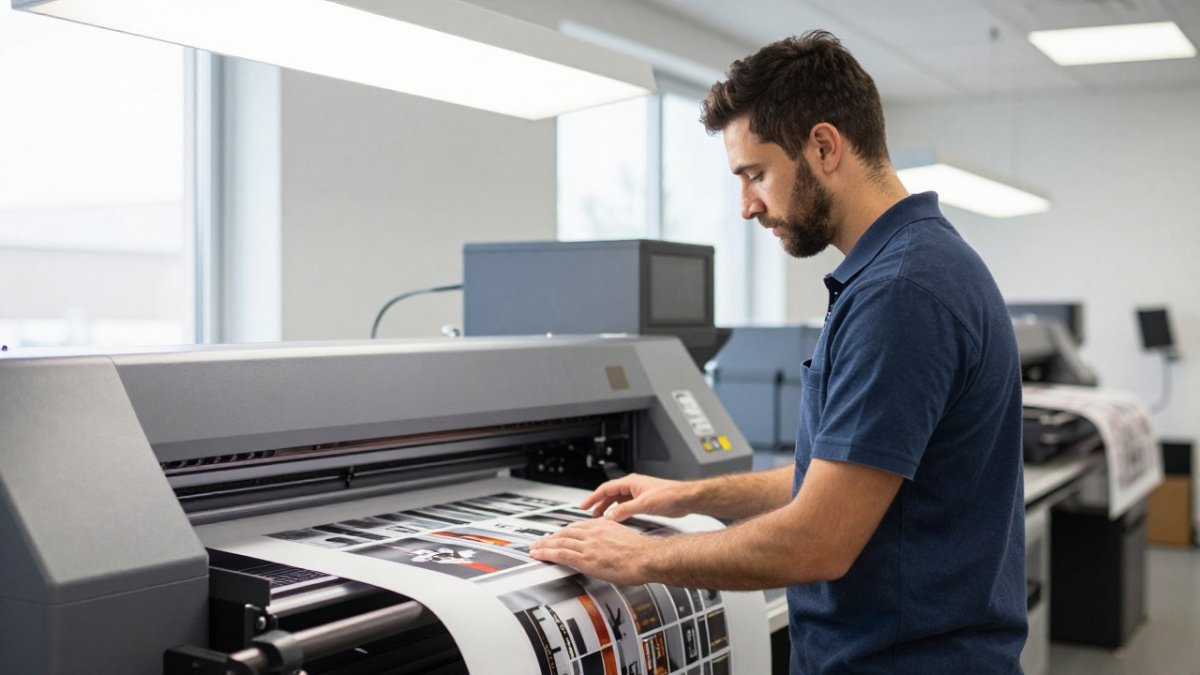
- Print a standard test strip on your production media
- Check banding, missing nozzles, and color patches
- Compare the output against your reference profile
- Log the result so drift is visible over time
Watch out: Skipping the test strip after a head cleaning is the most common cause of mid-job color shifts.
Building a Vehicle Wrap Color Management Routine
Color management keeps brand colors accurate from one panel to the next. A repeatable routine matters more than a perfect single print.
Set up a color profile for each vehicle wrap media you run, and save it under a clear name. Re-measure your reference patches every week, or whenever the ink supply changes.
- Store one profile per media and laminate combination
- Measure patches with a spectrophotometer where you can
- Note the date and ink lot in your production log
Scheduling Wide-Format Printer Maintenance and Preventing Reprints
Reprints cost more than the materials they waste. A scheduled maintenance plan cuts them down.
Set daily checks for print heads and ink levels, weekly cleaning, and a monthly review of calibration logs. Track every reprint and the cause, so patterns show up early.
- Daily: print head check and nozzle test
- Weekly: head cleaning and media path inspection
- Monthly: full calibration and profile review
For support with setup, maintenance, or troubleshooting, reach out to Pony Graphics. Our team can help you build a routine that fits your shop, and you can book a printer maintenance consultation to start.
A scheduled maintenance plan cuts reprints, and the article sets out this cadence:
| Frequency | Task |
|---|---|
| Daily | Print head check and nozzle test |
| Weekly | Head cleaning and media path inspection |
| Monthly | Full calibration and profile review |
Frequently Asked Questions
How do you keep color consistent across vehicle wrap prints?
Run a test print on the same media before every production job, then compare it against your reference swatch under a standard light source. Keep one saved print profile per media and ink combination, and do not switch profiles between jobs without retesting. Record printer settings, room temperature and humidity for each batch so you can trace drift when a panel looks different from the one printed before it. If variation persists, recalibrate the printer and check the print heads for clogs before adjusting the artwork.
How often should a wide-format printer be cleaned and calibrated?
Calibrate the printer whenever you change media, ink batch or print profile, and at least once per week in a busy shop. Run head cleaning when you see banding, missing lines or color shifts, and follow the manufacturer’s schedule for wiper and cap maintenance. Keep a simple log of cleaning and calibration dates so the schedule is tied to actual production volume rather than memory.
How can you prevent vehicle wrap reprints?
Most reprints come from avoidable errors: incorrect artwork scale, a print profile that does not match the media, or a batch that was never test-printed. Preflight every file against the final panel dimensions, proof a small section before running the full job, and hold a sample from each batch for comparison. Logging these checks makes it easier to find the cause when a reprint does happen.